Positions are required for vacancies to be created and hold all the information required about the job itself - what qualifications are needed, skills and rates. You can create positions before or during the vacancy creation. We do recommend taking care of positions beforehand as this will significantly speed up the process of adding vacancies.
Who can create positions?
All roles can use this feature at the Agency, whilst at the End-Hirer this can only be accessed by Administrator and Manager Roles. (you can find out more about roles and privileges here)
Step 1. Log in to Engage portal
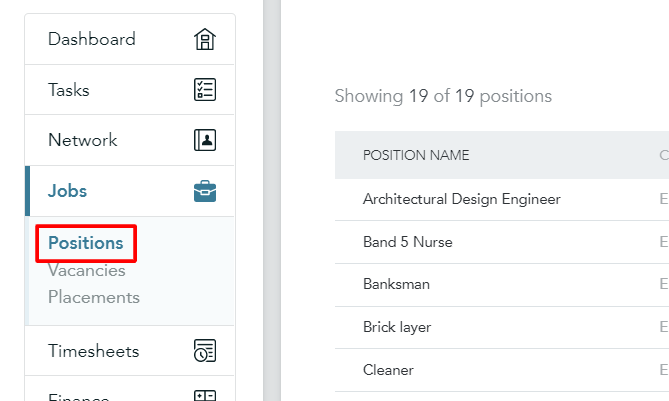
Step 2. Navigate to the 'Positions' in the 'Jobs' section.
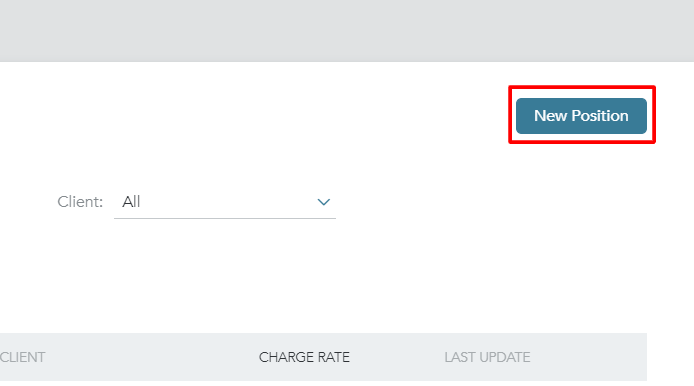
Step 3. Click on 'New position' in the top-right corner.
Step 4. Fill out details as required (all of them can be amended afterward)
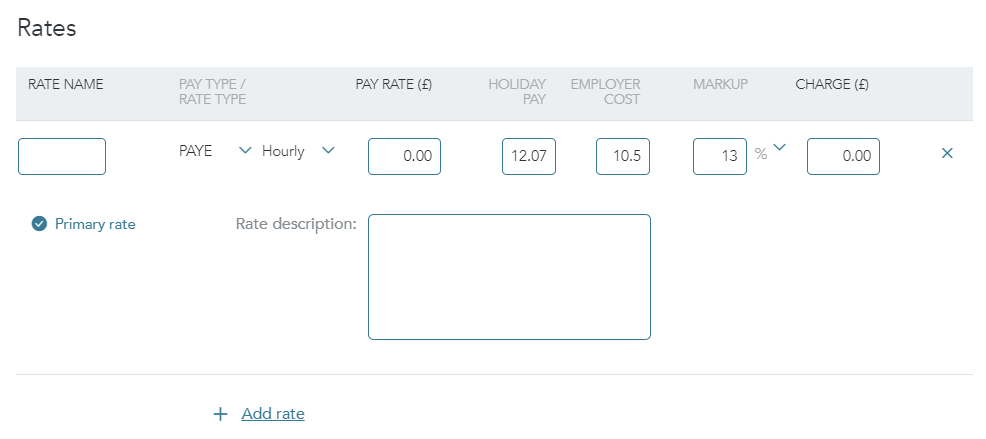
Step 5. You can set the known rates for this position at this stage but you would still be able to amend them on each vacancy/placement afterward making sure it's relevant.
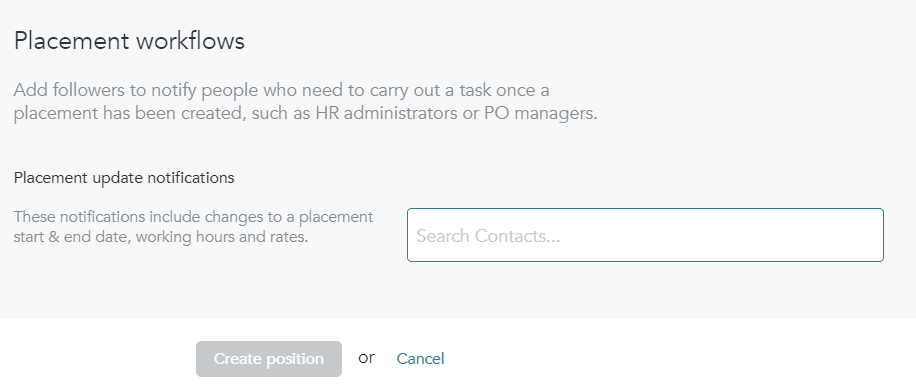
Step 6. Choose users, who should be notified of any changes to placements where the position is applied.