
Who can view and download statements?
At the Agency only the Administrator role and at the End-Hirer only the Finance role can access this feature. (you can find out more about roles and privileges here)
Step 1. Log in to Engage portal
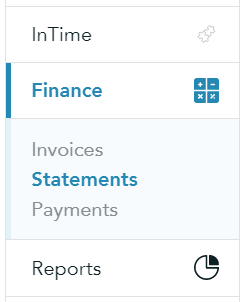
Step 2. Navigate to 'Finance' and 'Statements'
Step 3. Click on the business you're interested in
Please note!
You can easily toggle between suppliers and clients by clicking on each tab
Step 4. A new window will appear where you will be able to find all relevant information about the business:
- Summary
- Invoices Total Amount
- Credit Notes Amount
- Due Amount
- Allocated Amount
- Balance
- List of Invoices
- Debt Age
Step 5. When viewing the business in detail, you are able to download the correspondent statement (CSV format) - click 'Download Statement' on the top right corner: