This article will give you a one-stop guide to understanding how to password reset for your worker, teammate or yourself.
Resetting a password for a team member
Who has access to it?
Only administrators at the Agency and End-Hirers can trigger password resets (you can find out more about roles and privileges here)
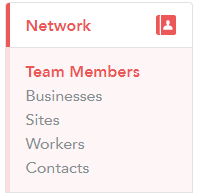
Step 1. Please navigate to 'Network' and then 'Team Members'
Step 2. Hover over a team member in question and click 'Reset Password' from the 3-line menu
Please note!
Sometimes 'reset password' email might end up in the spam folder so advise your colleague to check it before escalating to our technical support team
Resetting a password for a worker
Step 1. Please navigate to 'Network' and then 'Worker'
Step 2. Locate the worker in question
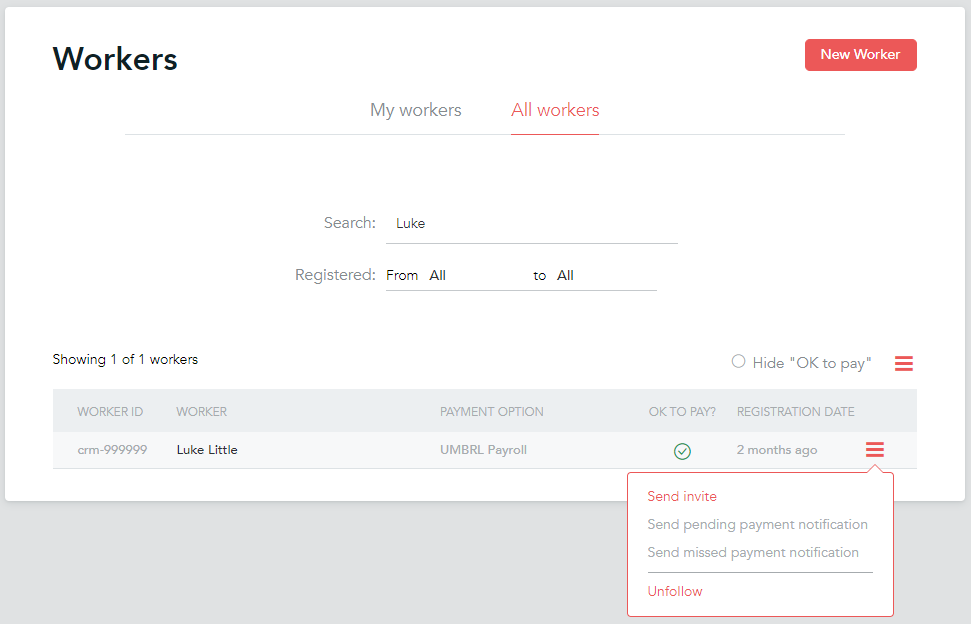
Step 3. Click on 'Send invite' from the 3-line menu on the right or from the top-right corner on the worker's profile