
Sometimes technical difficulties cannot be avoided and tend to happen on any platform. There are a number of reasons why you may not be able to access your timesheets, here are the most common issues and we will provide you a step by step guide on how to get it solved!
Browser compatibility
The most important first step you should consider when encountering technical difficulties is to clear your browser's cache and cookies. This will fix the most common issues such as site/timesheets loading or formatting.
Please note!
Here at Engage, we recommend using the latest version of Chrome as it prides itself on being the fastest and more reliable web engine.
You can find out more on how to download and clear browser's cache and cookies in the following steps:
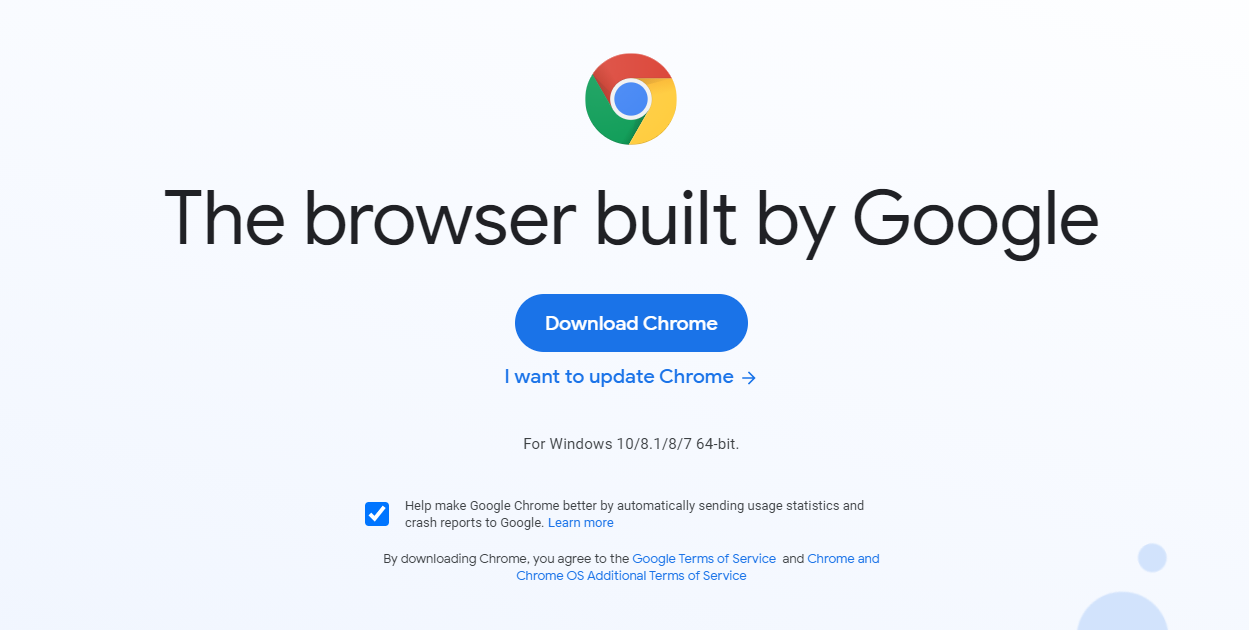
Step 1. Download Chrome
You can download the latest version of the browser by clicking on the following link and selecting the Download Chrome button www.google.co.uk/chrome
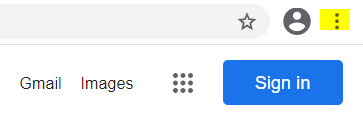
Step 2. Head on over to the settings tab
On Chrome, on your top right-hand side, click on the 3 dots and head down to settings.
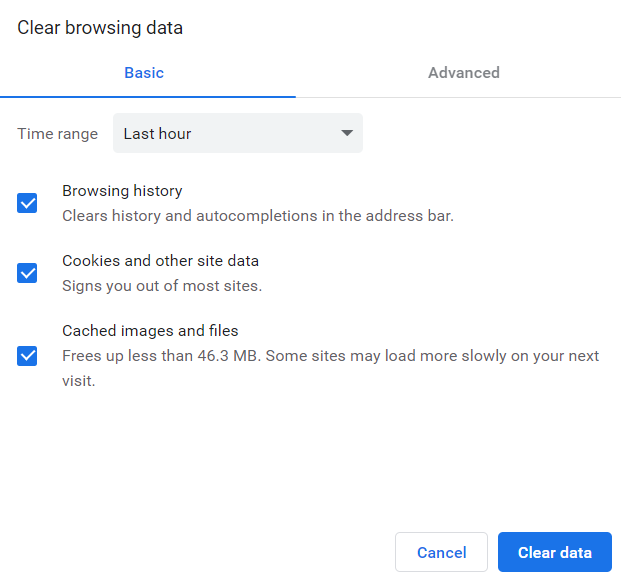
Step 3. In settings, find the clear browsing data option
This should be under the 'Privacy and Security' section and then hit 'Clear data'.
Device performance
Whilst our platform is optimised for mobile devices, we cannot be in total control of the devices themselves. We, therefore, recommend conducting a test on a desktop/laptop first.
Placement issues
There can be issues where an agency has set up the placement incorrectly or provided an incorrect signing-in link, this will make it difficult whilst viewing timesheets.
Please note!
If none of the above steps helps you to solve your timesheet issue, we recommend reaching out to your agency directly first as they could potentially spot an issue and resolve it for you.