
This article will help you understand how to change your email address.
Changing your Email
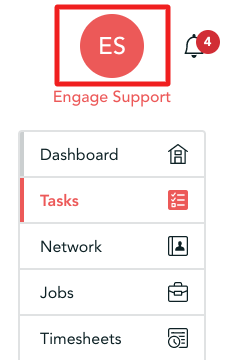
Step 1. You can change your email address from your account - you can access this by using the left-hand menu and clicking on your name near the top
Step 2. Once on the account page scroll down and locate 'Contact Details' there you will see three dotted lines on the right hand side, click those dots.
Clicking those dots will bring up this menu below, now select 'Edit email address'
Step 3.
Once you have selected 'Edit email address' a prompt will appear.
Simply delete the email in the box and enter your desired one.
Important - You must click 'Save'