
Please note!
The overall functionality of the platform has not been changed, this release only affects the navigation.
Vertical navigation
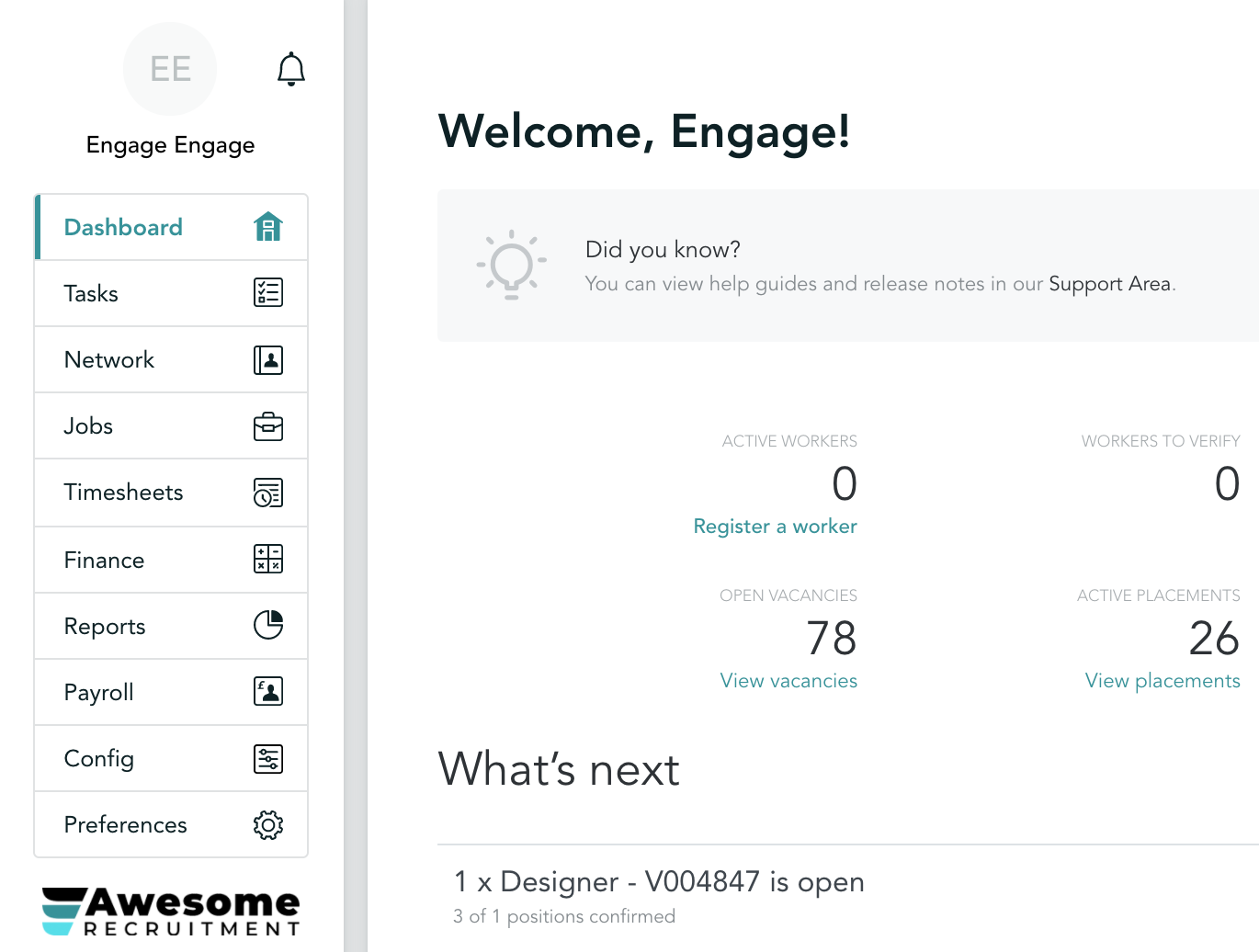
Major improvements
We've moved some pages around to create a more intuitive and clear structure, please keep on reading to find out about each of them.
Network and Jobs tabs
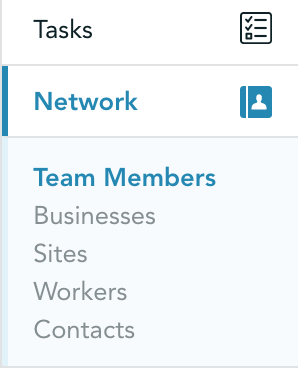
We have introduced a new menu - Network! Treat it as your Contacts Book - here you will find all of your team members, contacts (timesheet approvers and invoice contacts), workers and sites details:
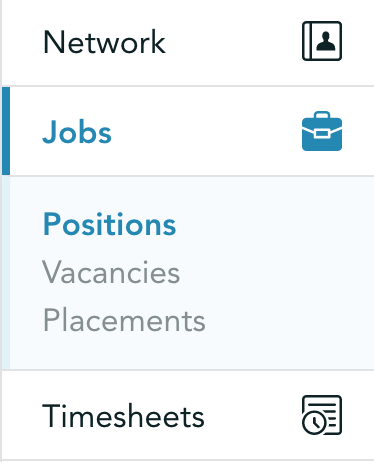
Another new addition is Jobs. Anything related to the placements, positions and vacancies can be found here:
CIS Reports
'CIS Reports' have been moved to the Reports section of the platform.
List action menus
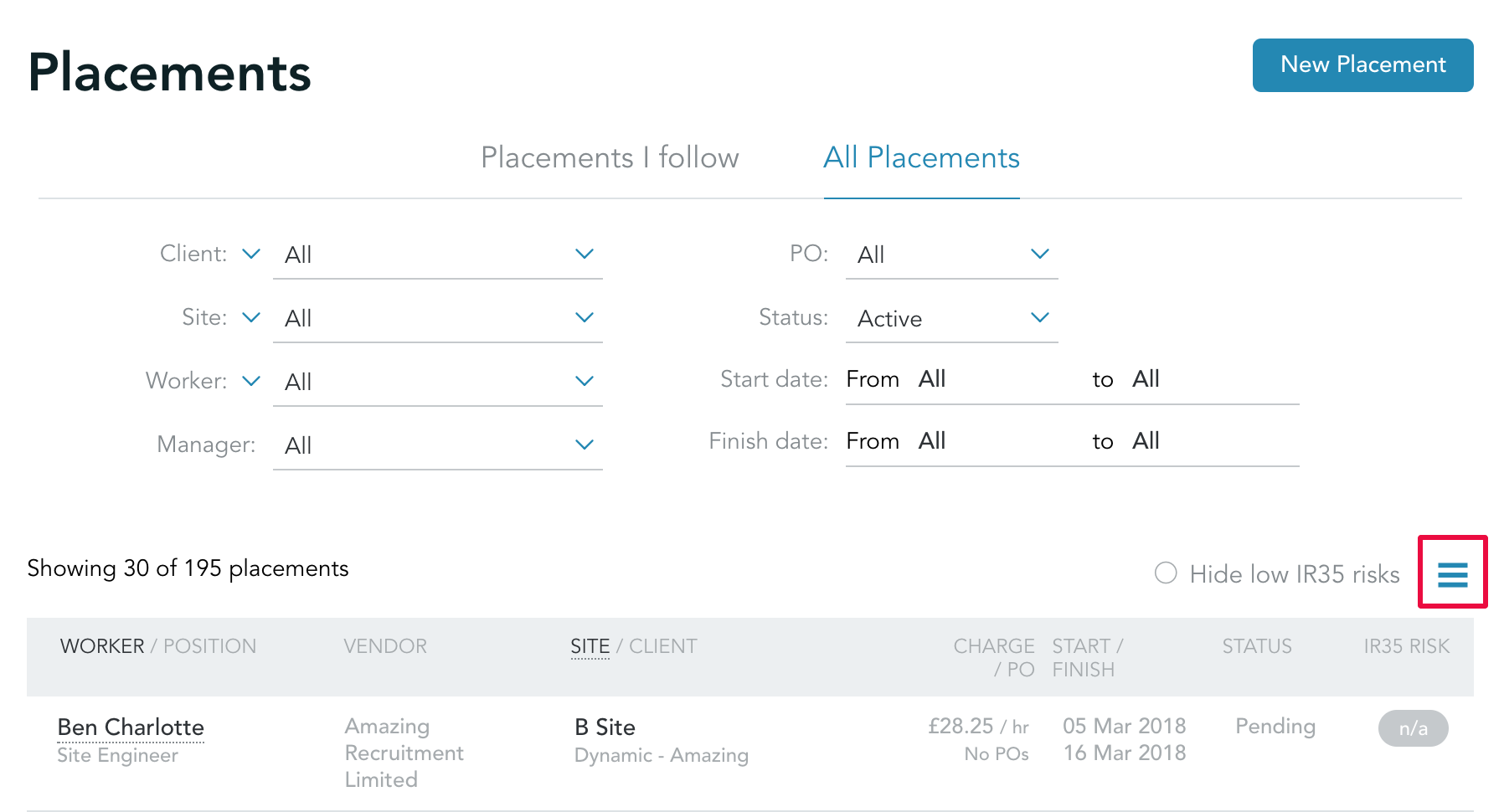
One of the other changes we have implemented is moving 3-line menus from the top right of each page closer to the lists as each of those menus is dealing with actions related to them:
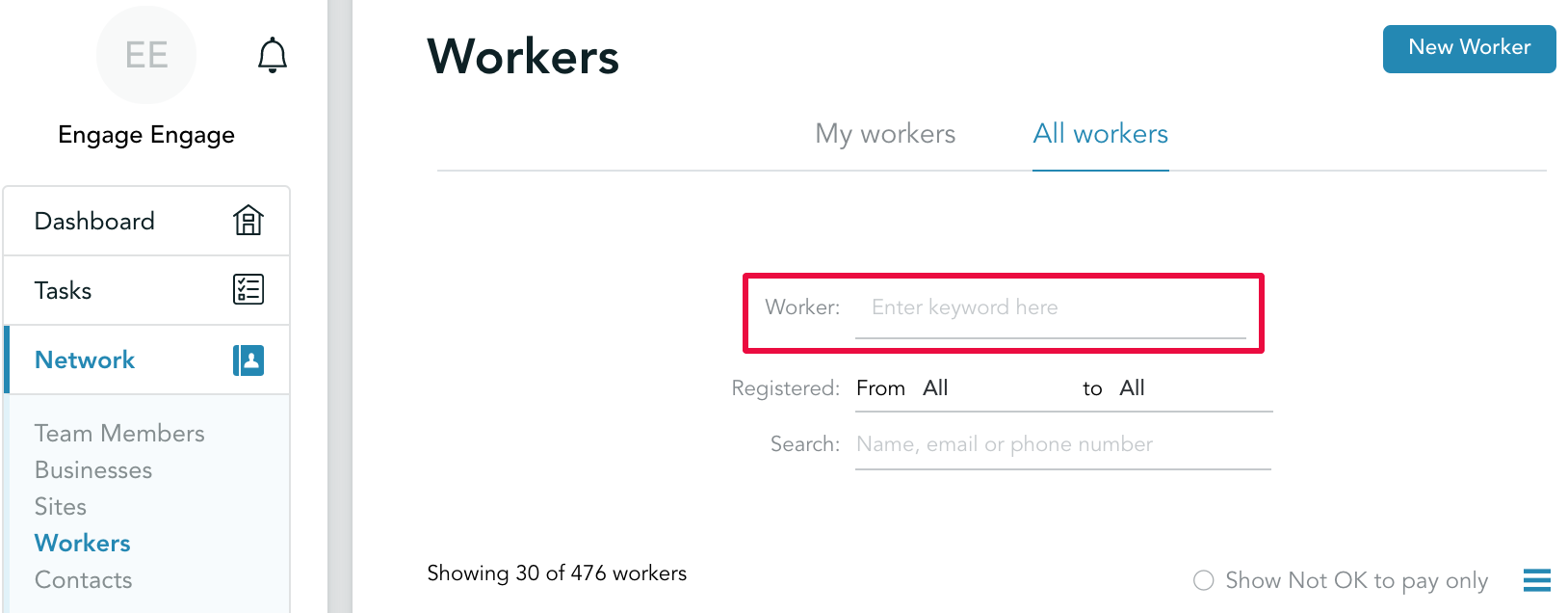
Worker search
Worker search has been moved to the 'Workers' page respectively:
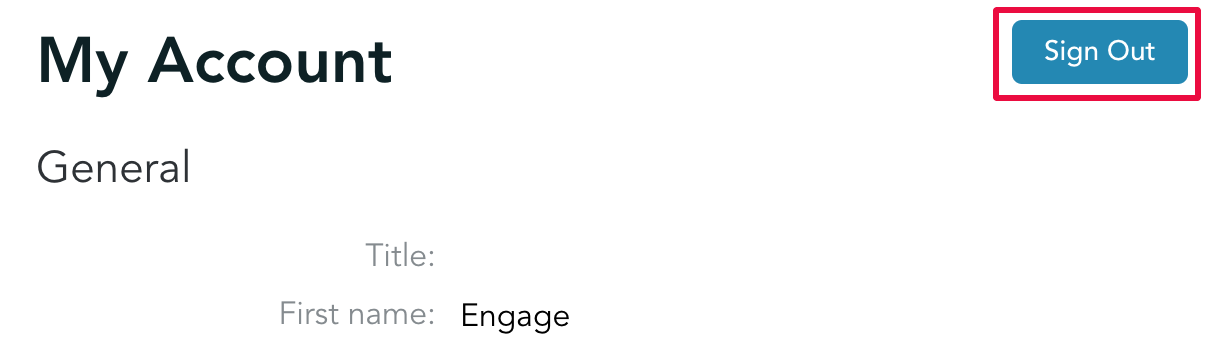
Account operations
You can now find 'Sign out' button inside your account section:
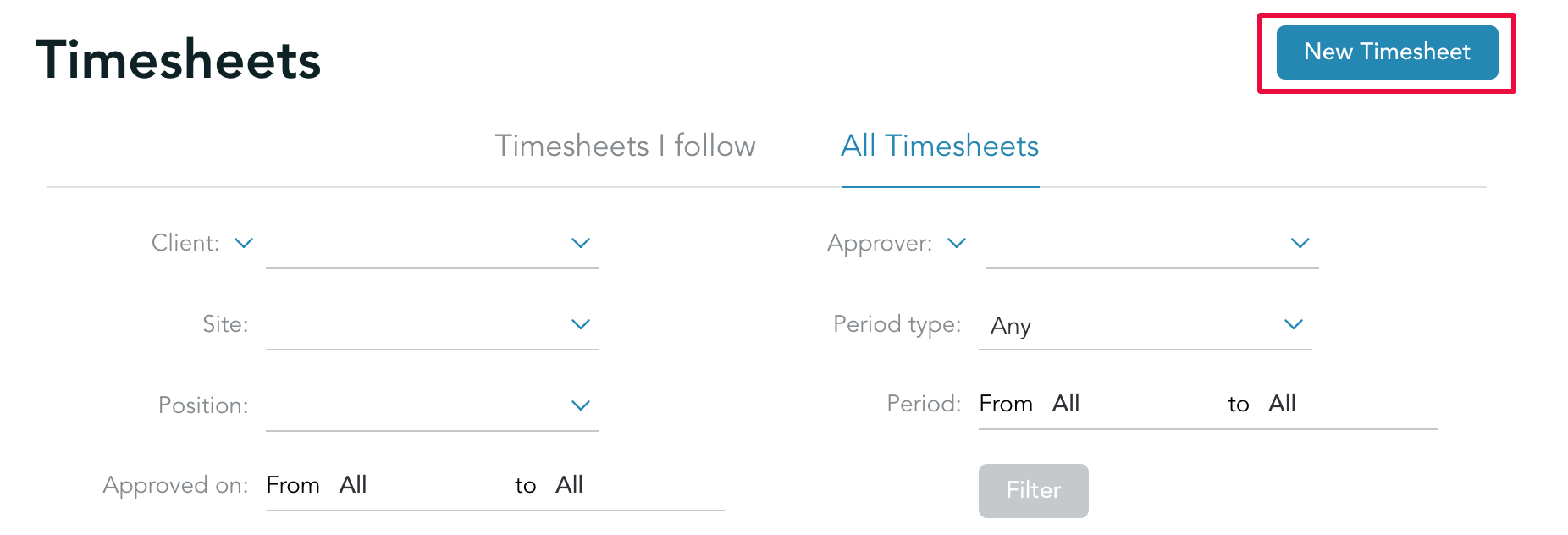
Creating content
The '+' symbol you used to create new content within each module has been updated to a physical button that’s way more intuitive and visible:
Mobile navigation
Mobile navigation has been massively improved as well allowing you to use Engage platform more effectively on-the-go.
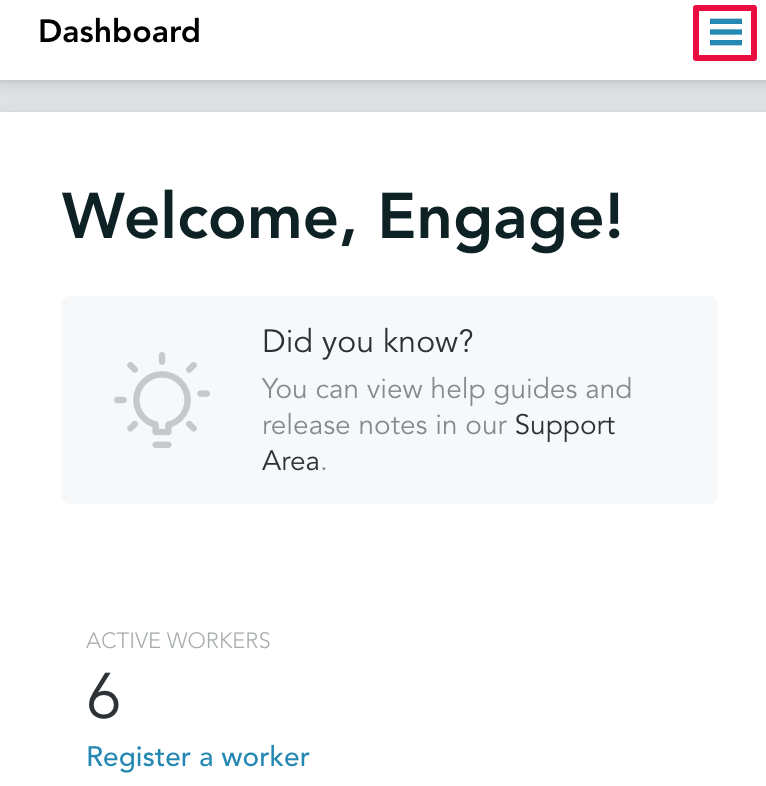
Repositioning
Navigation is now accessible from the 3-line menu in top right corner:
Secondary options menu
You can now switch between different tabs on the page by clicking on the secondary options menu:
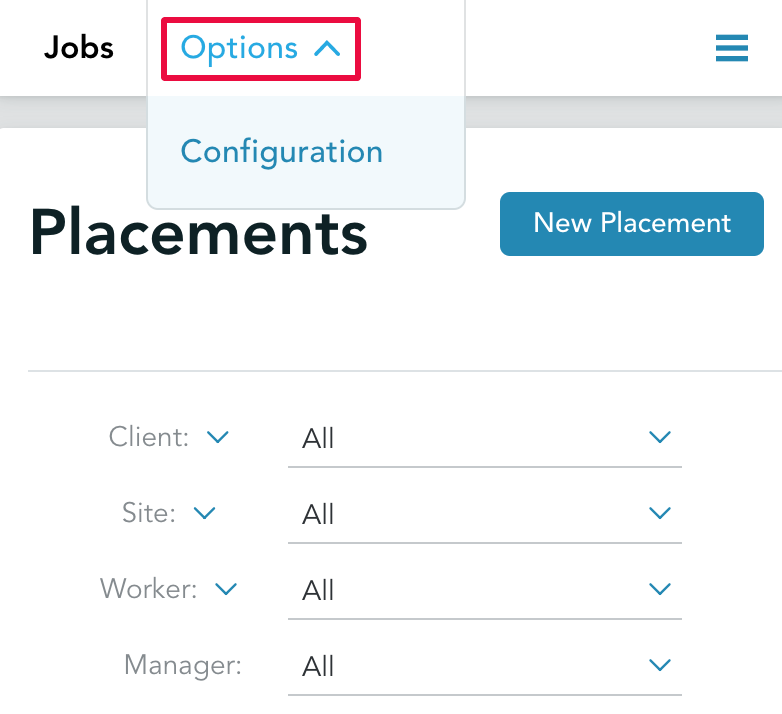
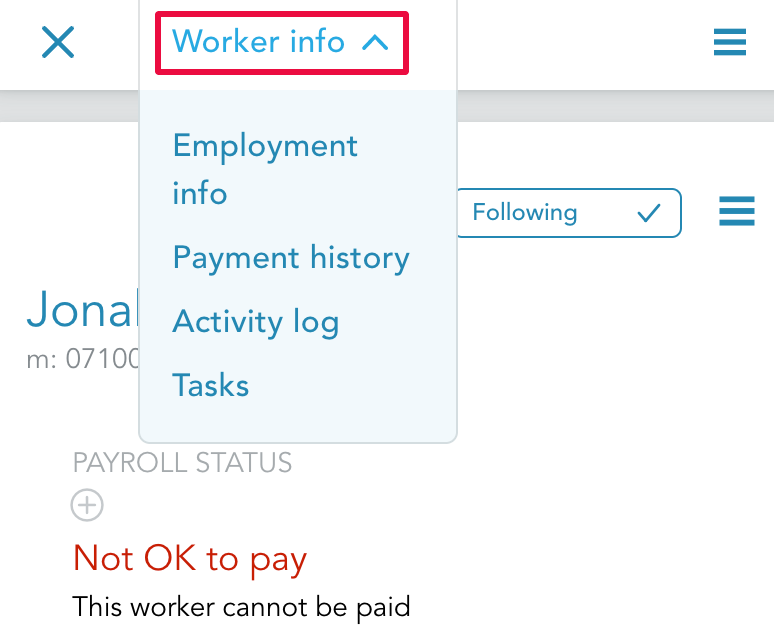
The name of the menu would depend on the available options, for example, if you are on the workers' profile you would see the following:
We hope this update will improve your experience on Engage platform. If you do have any feedback, please do not hesitate to contact us on customersuccess@engagetech.com