
Who can do it?
Anyone with access to the vacancy can invite a vendor, this applies to both End hirers and Agencies (keep in mind that some roles do not have access to the all vacancies tab and will need to be added as a follower in order to access them).
Roles that do not have access to vacancies:
Timesheet approver
Finance
Step 1. Log in to Engage portal
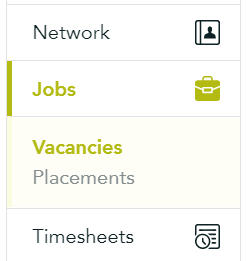
Step 2. Navigate to the 'Vacancies' section
Step 3. Find the vacancy in question and click 'View details' from the 3-line menu
Step 4. Click the Vendors drop down menu
Step 5. Add the agencies/vendors you are inviting to this role (invited agencies will receive email notification of your vacancy requirement details)
Notice the 'Following' button: any manager, who is following, will be notified of any changes made to the Vacancy/Placement (this is especially useful if you are going away and want a colleague to monitor your vacancy; they would be able to ‘unfollow’ when you get back) Consultants and Managers can only see vacancies they follow.