
Who can interact with this?
Anyone in your business can add a connected business (you can find out more about roles and privileges here)
Step 1. Log in to Engage portal
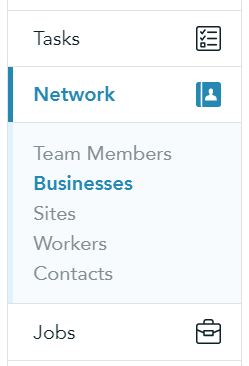
Step 2. Navigate to 'Network' and 'Businesses'
Step 3. Click on 'New Business' to add a new client
Step 4. Fill out the form as required
Step 5. Once done, click 'Add business'
Please note!
The United Kingdom will be chosen as a default country; If you are adding an international business, please make relevant changes
Address of the business will be taken automatically from the Companies House once you add the 'Company registration number'