- When the worker is invited to the platform, they will receive an email, text or both depending on the option chosen during the invite process.
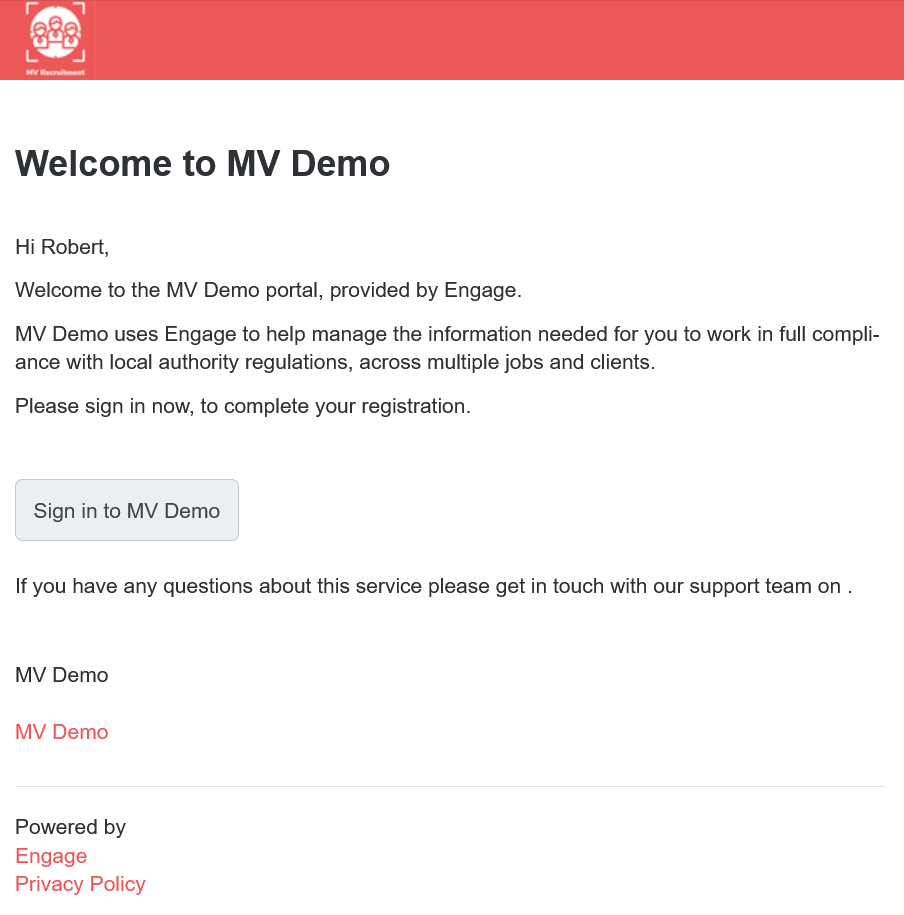
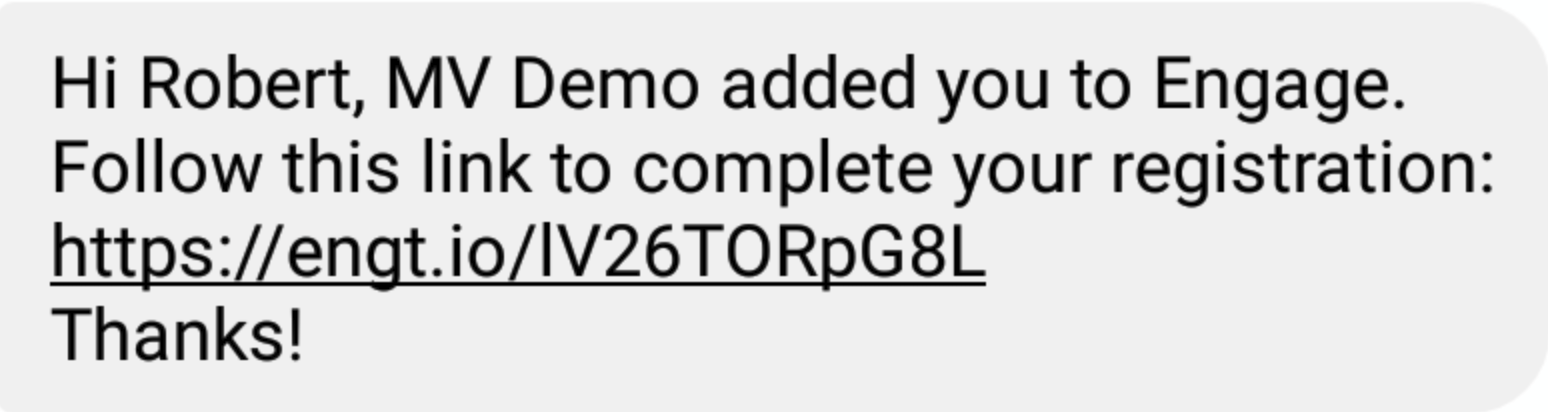
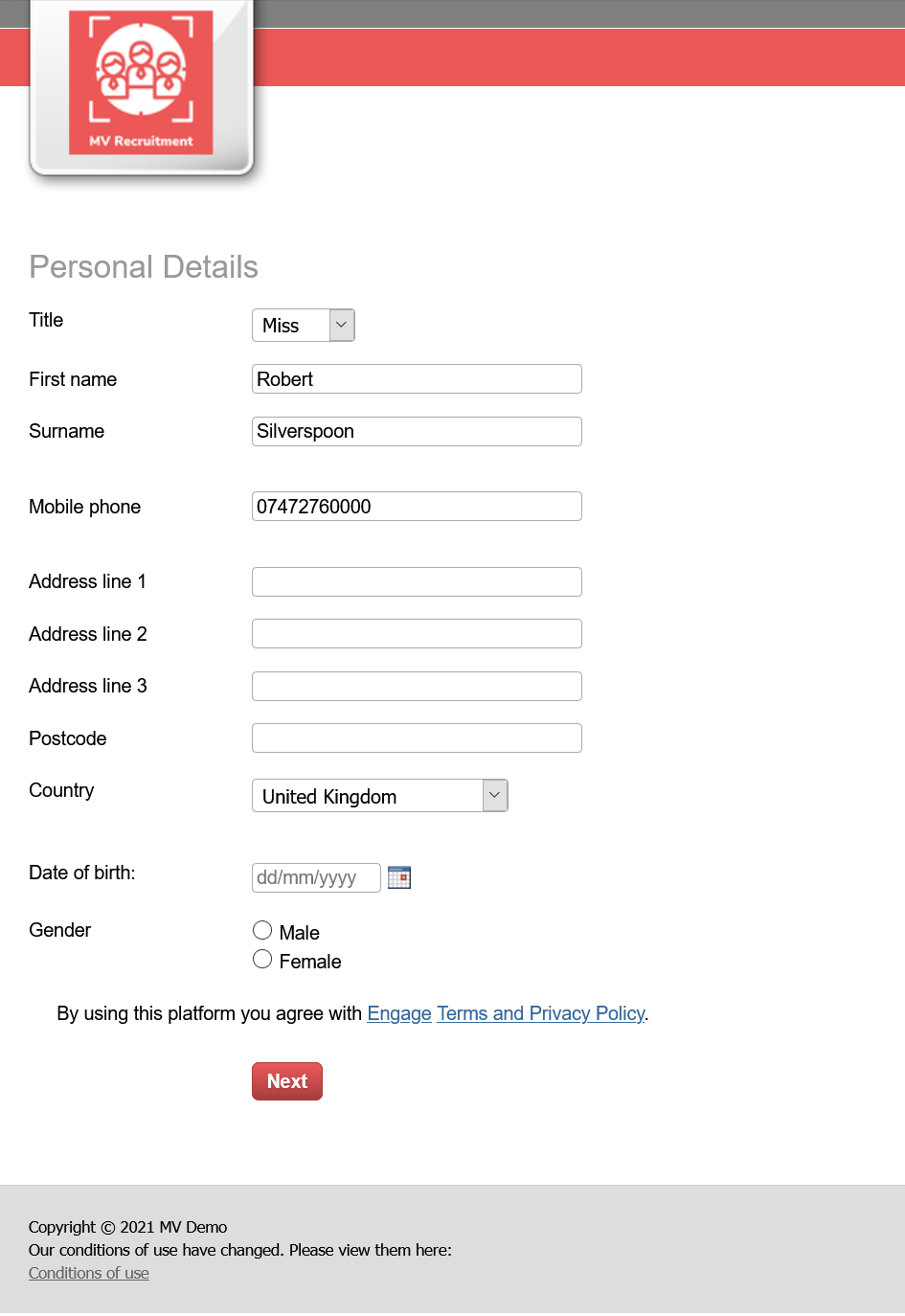
- When the worker follows the link, they will be greeted by this screen, from here they will need to fill in their details to progress to the next step of their registration.
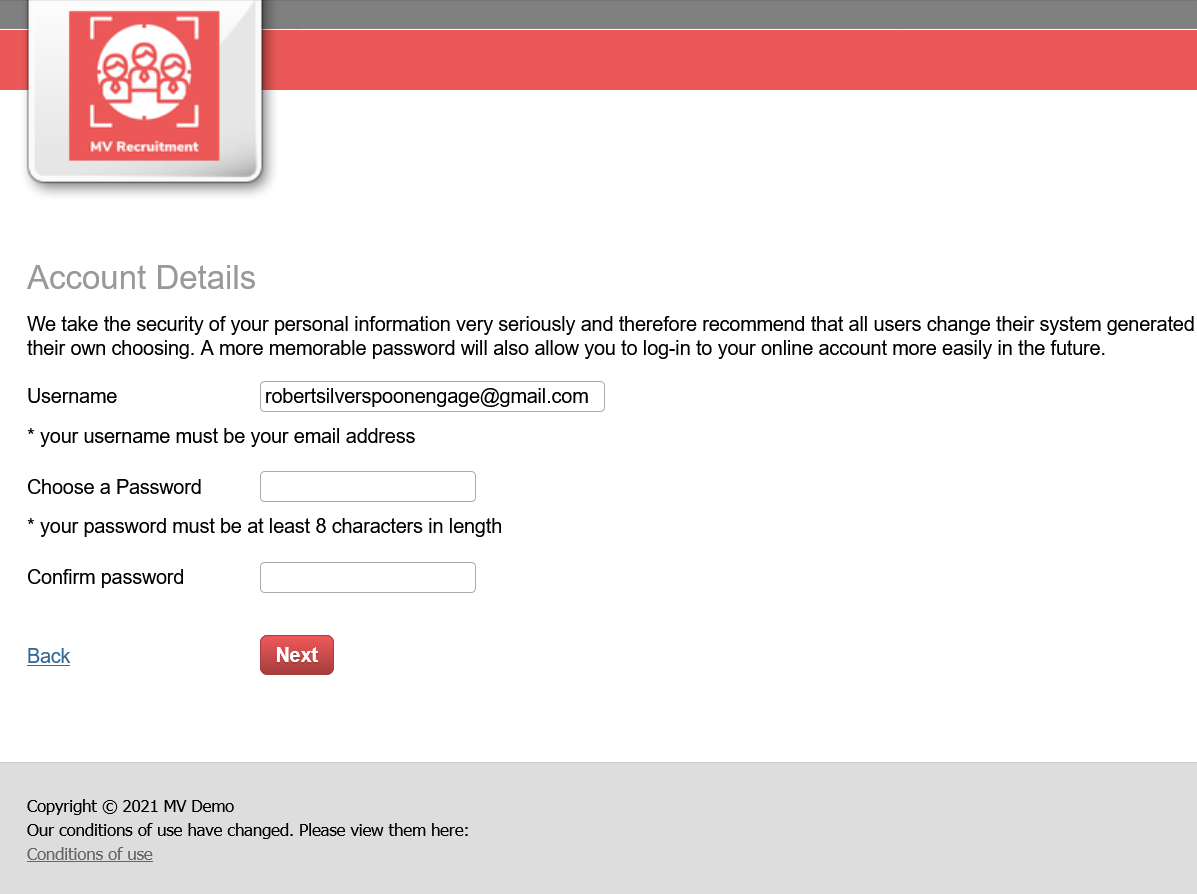
- Next they will have to set a password for their account.
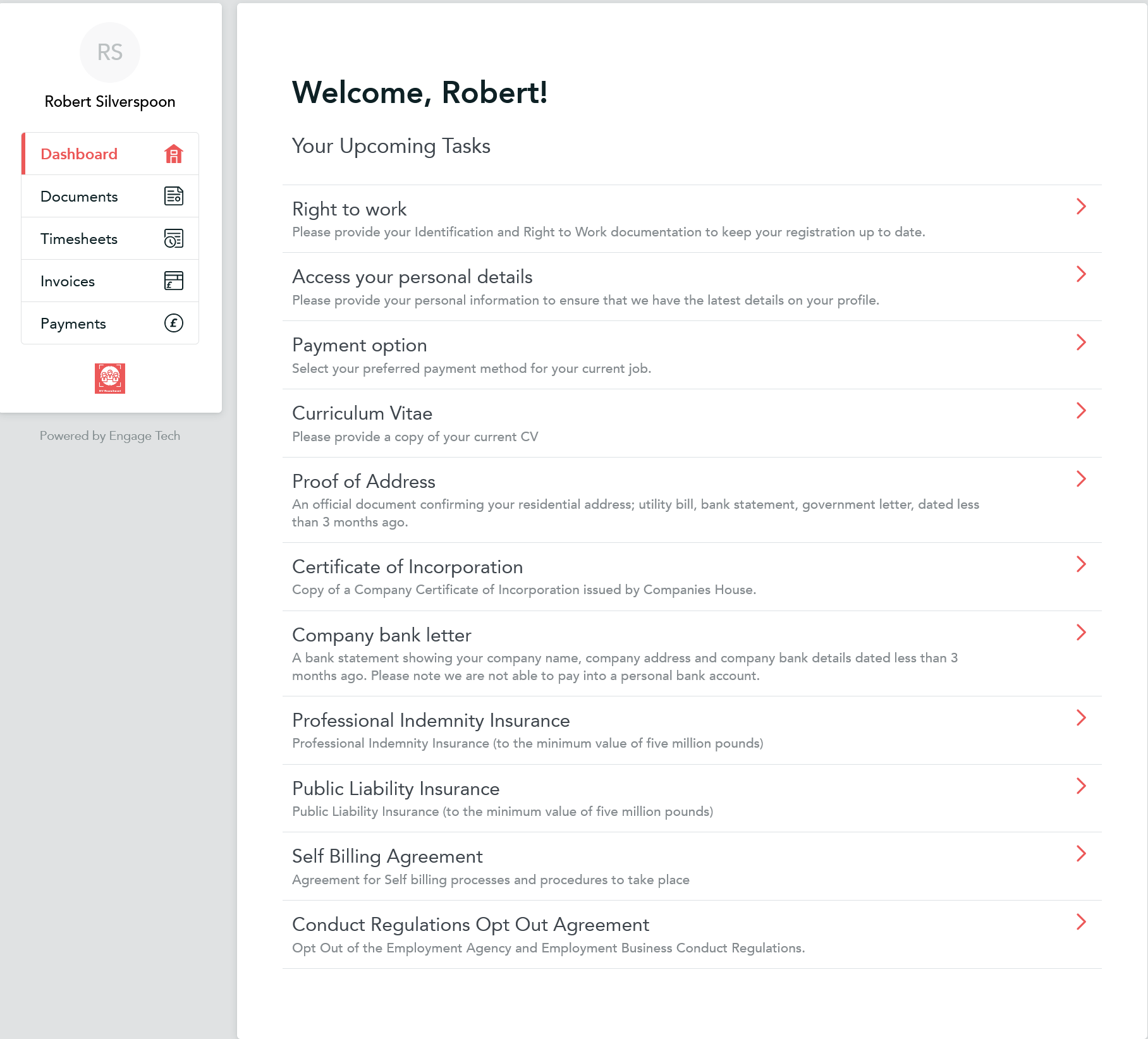
- Once this step is completed, they will then enter their account, the first thing they will see every time they log in will be the dashboard, this shows a list of current tasks they need to complete. The tasks shown will vary based on document requirements and engagement type.
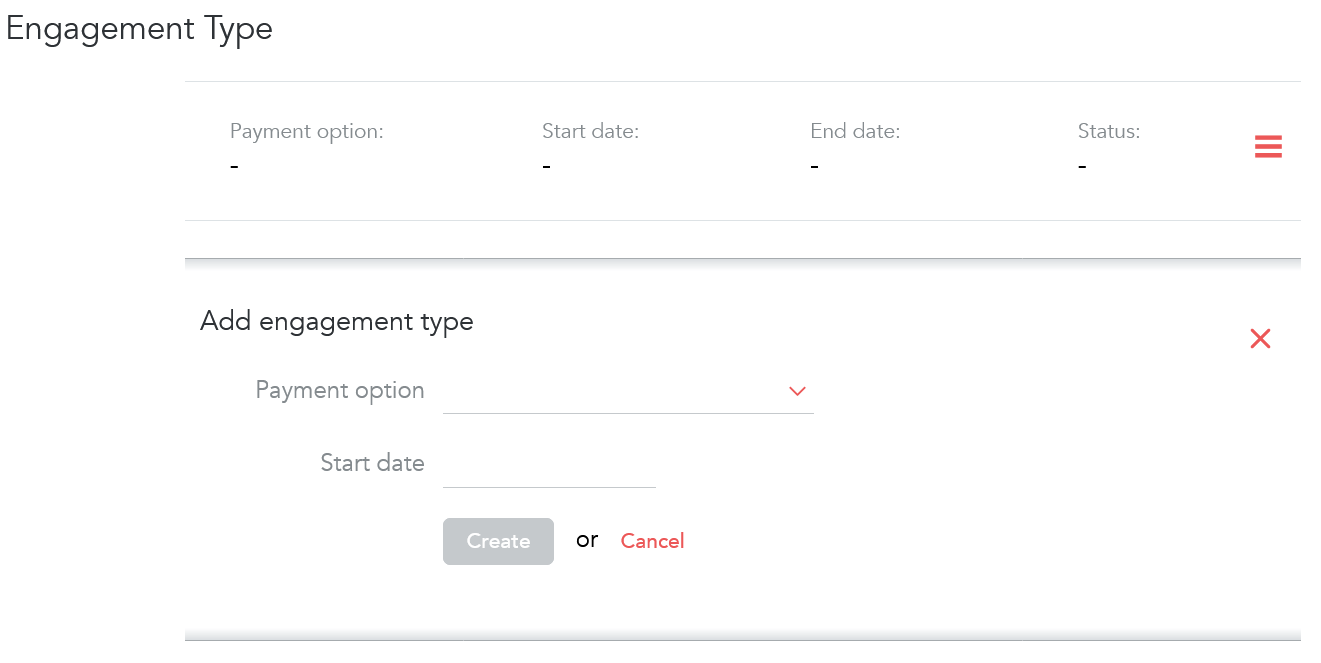
Please note that if the worker has no engagement type added, they will have minimal tasks to complete and they will not be able to complete select payment method so an engagement type will need to be added first. You can set their engagement type by going to their profile, scrolling down to engagement type, clicking add, then select the payment option and dates of this engagement type.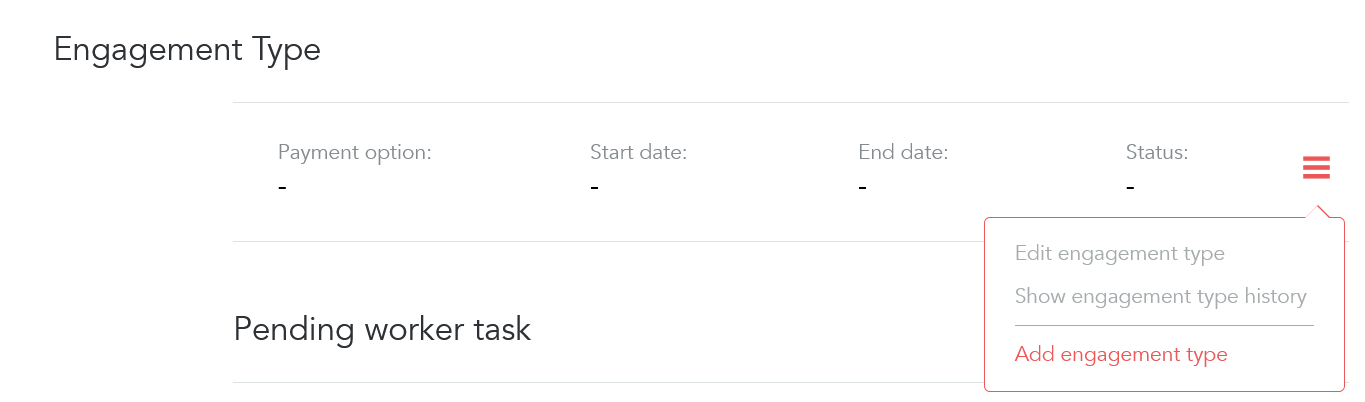
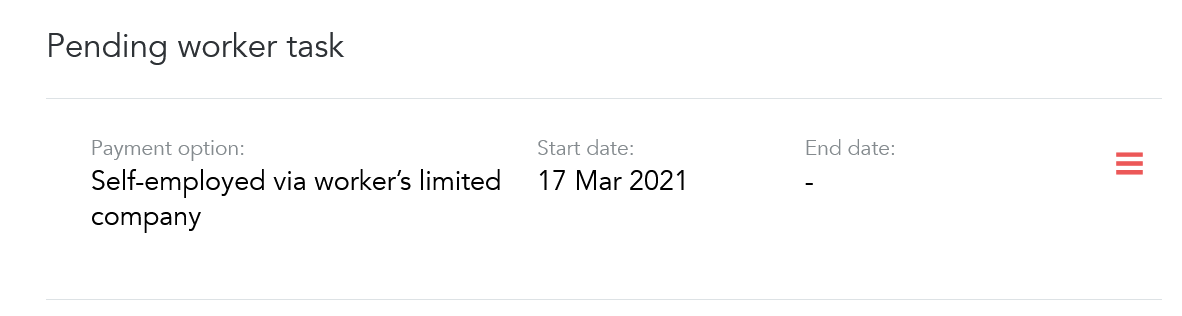 Once this has been set new tasks will be added to their profile depending on the payment option selected, the example above shows the tasks that are there when self-employed via worker's limited company is selected.
 - Workers can upload and accept documents by clicking on the various tasks, they will be prompted to either upload or accept documents.
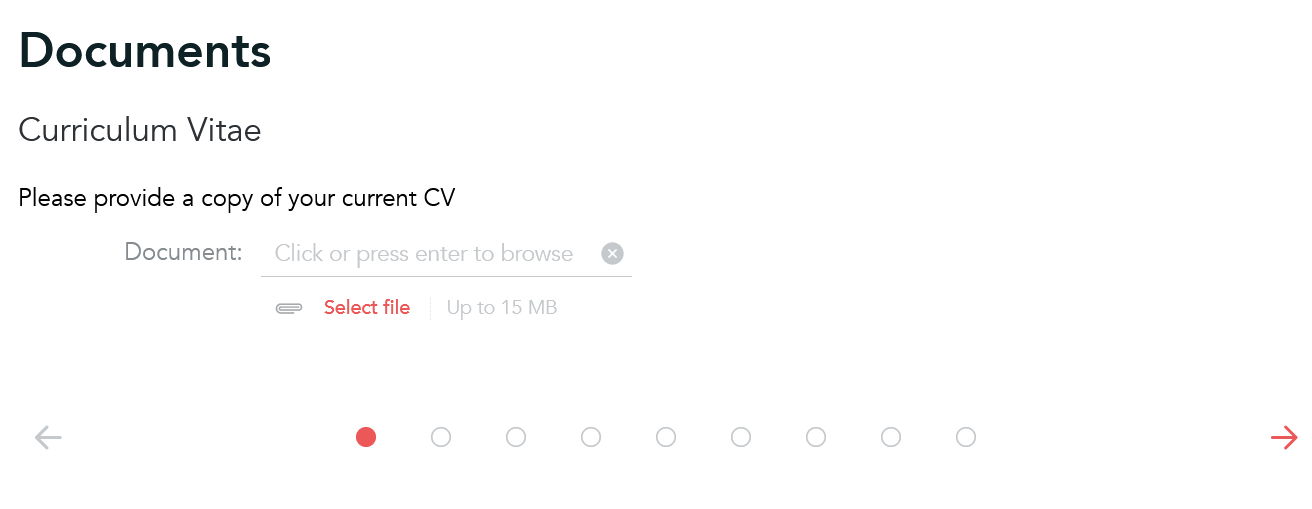
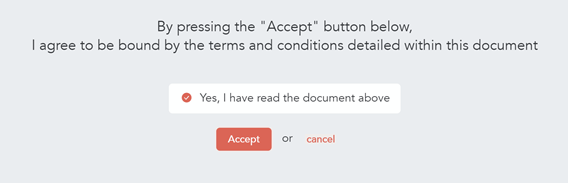
- Some tasks have to be completed before others, payment option is one of these, this task allows the worker to register their limited company which is required to accept the self billing agreement and to be payed under the self-employed via worker's limited company engagement type. They will need to provide their Company registration number which is verified by via companies house.
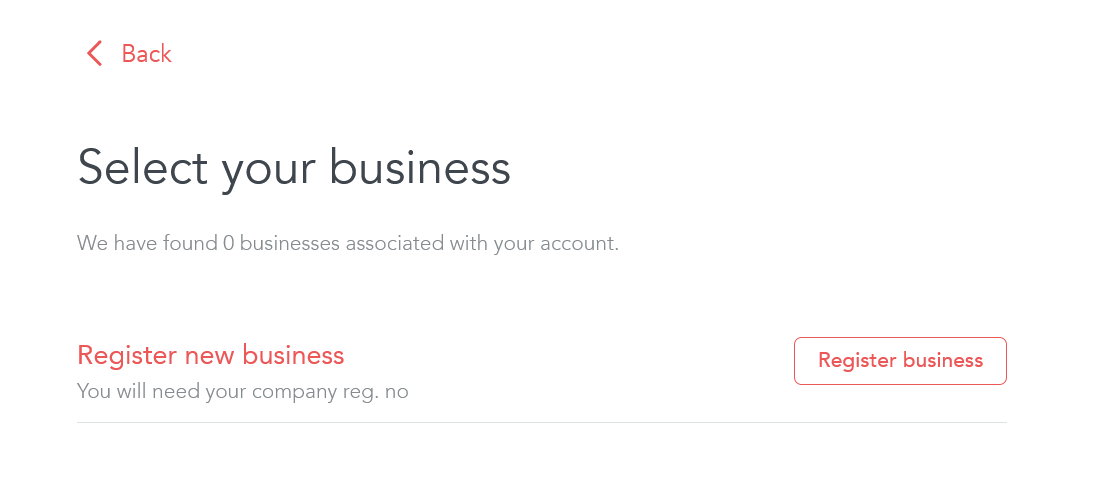
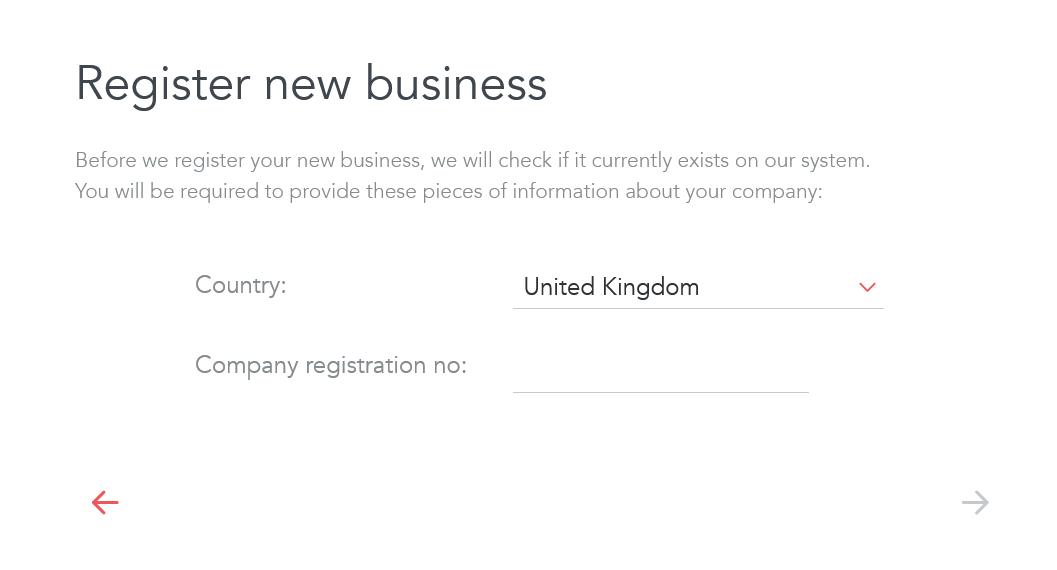

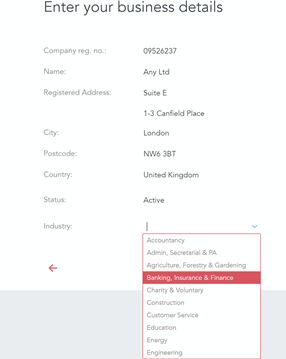
- Once they have
Worker Registration Experience

Permanently deleted user