If you pay your workers through an umbrella, you would need to make sure your business is connected to it on Engage - without following this step you will not be able to choose the relevant umbrella in the engagement type.
Who can do it?
Anyone in the business can create a business connection (Add an umbrella) by simply following the steps below. (you can find out more about roles and privileges here)
Step 1. Log in to Engage portal
Step 2. Navigate to the 'Network' section
Step 3. Go to the 'Businesses' tab
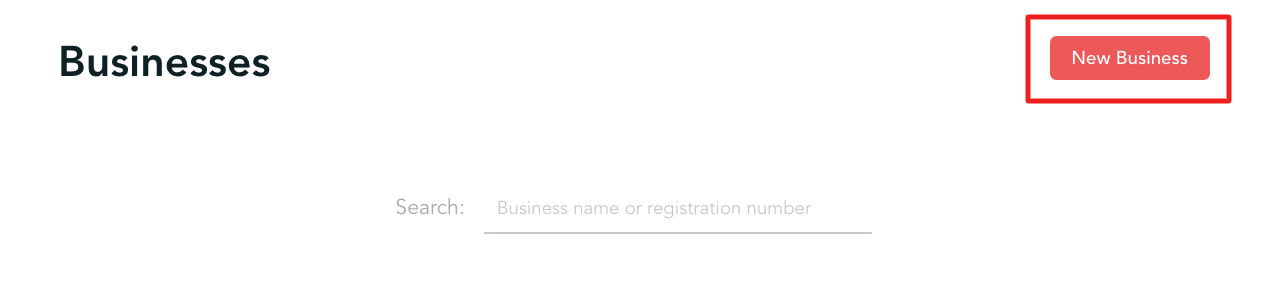
Step 4. Click on 'New business' in the top-right
Step 5. Make sure you are choosing 'Limited company' in the business type and enter the company number. At this stage you can:
- Get the following message - meaning this business already exists on Engage system and you can connect to it. Once you click 'Connect' businesses will get connected and you can choose the following umbrella in the engagement type for your workers:
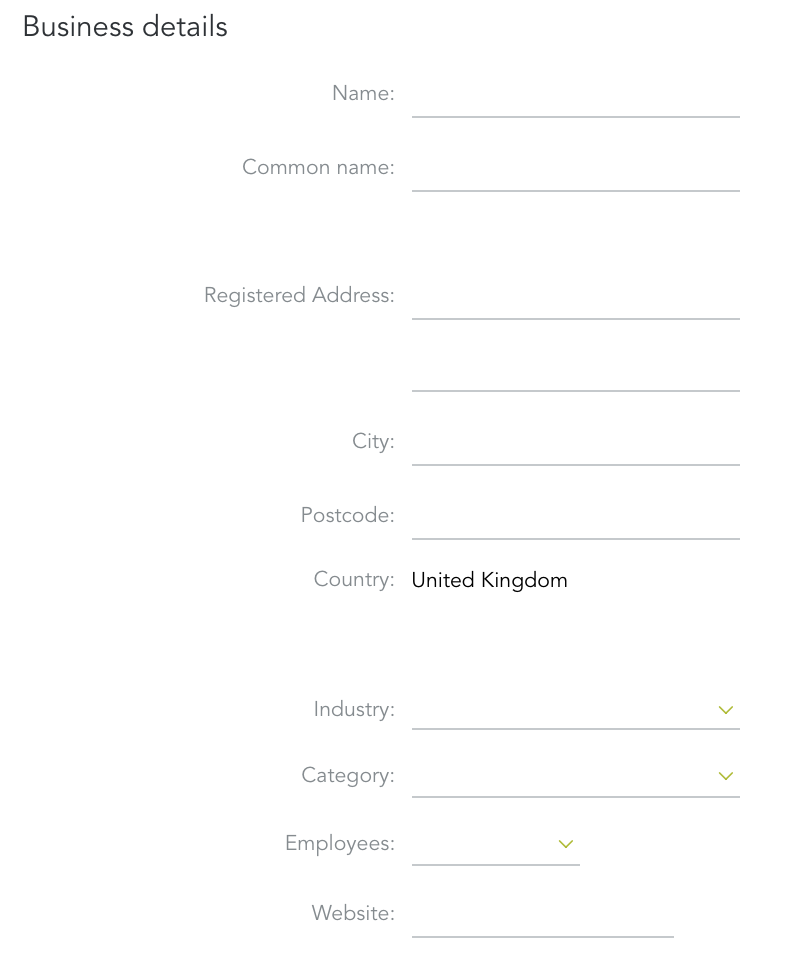
- Otherwise, you will be presented with a form to fill out and register a new company on our platform. While this is an unlikely event as we have a lot of businesses in the system already, please provide details to the best of your knowledge (industry, category - this should be 'umbrella' - and website fields are mandatory). Once completed you will be able to choose this business as a payment type: