
Placement is an integral part of Engage functions - without an active ('in progress') placement timesheets for workers will not be generated. In this article we will have go through a process of adding a new placement.
Who can do it?
Any Agency role can create a placement. Placements should not be created by End Hirers on engage, this because the system automatically generates placements via the vacancy workflow.
Step 1. Log in to Engage portal
Step 2. Navigate to 'Jobs' and 'Placements'
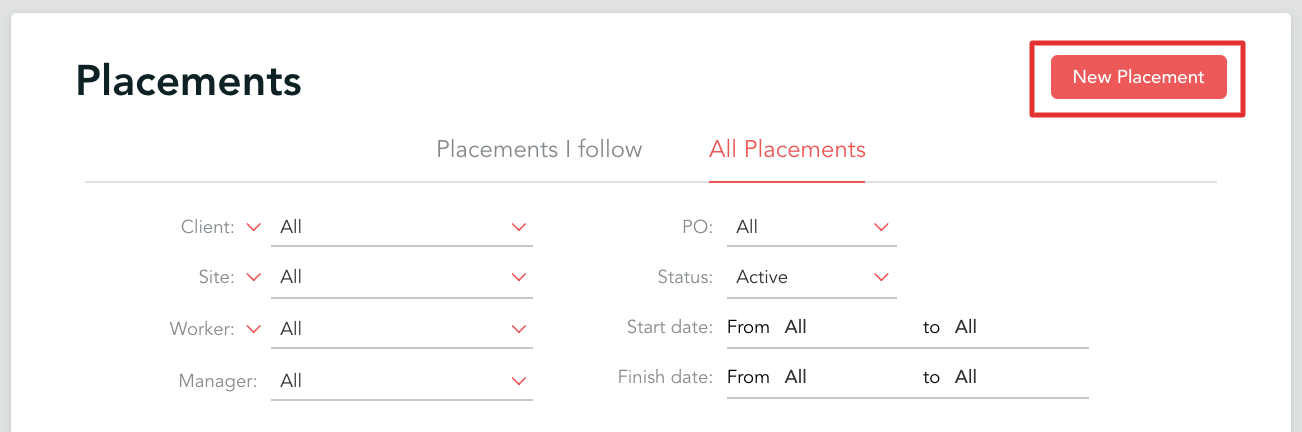
Step 3. Click the 'New Placement' button
Step 4. Firstly, you would be asked to choose a client and relevant site. It's important to remember that these 2 fields cannot be changed after you save a placement!
If you cannot find the client you need, most likely the configuration between your entity and them is missing - please have a look at this article to find out how to add it
Step 5. Fill out the rest of the details as required. Just like client and site, timesheet period, position and worker fields cannot be changed after you save the placement.
Step 6. Select rate (you can edit it by clicking on the pencil symbol)

Step 7. Add consultants and any relevant comments if needed
Step 8. Once done, click 'Save'
Remember!
The following fields cannot be amended after you save the placement:
- Timesheet period
- Worker
- Position
- Client
- Site