
Who can change invoice due dates?
Only administrators have access to this feature (you can find out more about roles and privileges here)
Step 1. Log in to Engage portal
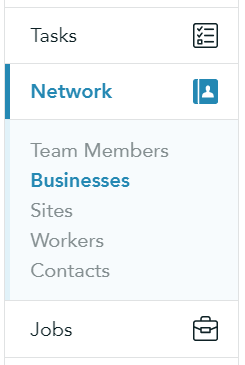
Step 2. Navigate to 'Network' and 'Businesses'
Step 3. Click on the business in question
Step 4. Select 'Finance settings' from the 3-line menu
Step 5. In 'Invoice settings' choose to 'Enable' invoice generation and specify the payment terms
Please note!
For payment terms which have not been set, a default of 30 days from invoice will be created
It is recommended that you review your current client payment terms and ensure that they are up to date and in line with your practices to avoid any disruptions to your operations